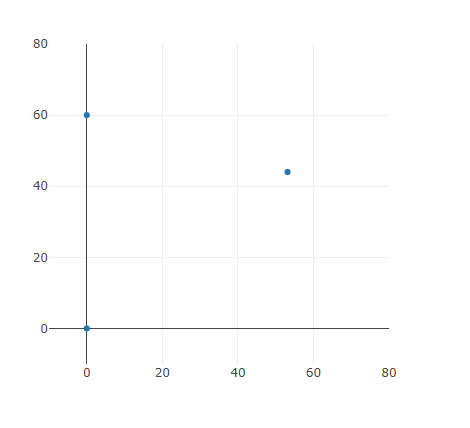
The Artefact in Operation
The Iterative Design Process
Through the making of the artefact, I used the Agile
Design Process. I started off with the Research and
Investigation, to get an idea about the problems needed
to be solved.
Stage 1
After sufficient investigation I used abstraction to
form a general idea. I made a rough plan that the radio
on the Microbits could be used to send messages and
sense the signal strength of these messages sent, thus
giving the Microbits and indication of how far away they
are. This was Stage 1 which decomposed into two
steps.
First step I needed to do was to be able to send and
receive messages to and from two Microbits, then be able
to detect the signal strength of each of these messages
and test it.
I started to work on the Microbit Microcode to send and
receive messages by pressing the A or B button and that
sending the respective letter in a message the other
Microbit then showed the string message it received.
Both Microbits could send and receive the button pressed
by the other Microbit.
Next instead of displaying the message sent by the other
Microbit, I got the Microbit to display the signal
strength of the message received. I was able to see that
the range of the Microbit signal was between -100 and
-40 which is around 0.5m and 6m.
To see if my code was expandable and able to be used
with more Microbits, I put the Microcode on one more
Microbit. As expected, when I pressed a button on one of
the Microbits the other two would display the signal
strength of the message.
I successfully tested my system and moved onto working
on my next step in completing the artefact, being able
to warn the user about keeping a safe distance between
each other.
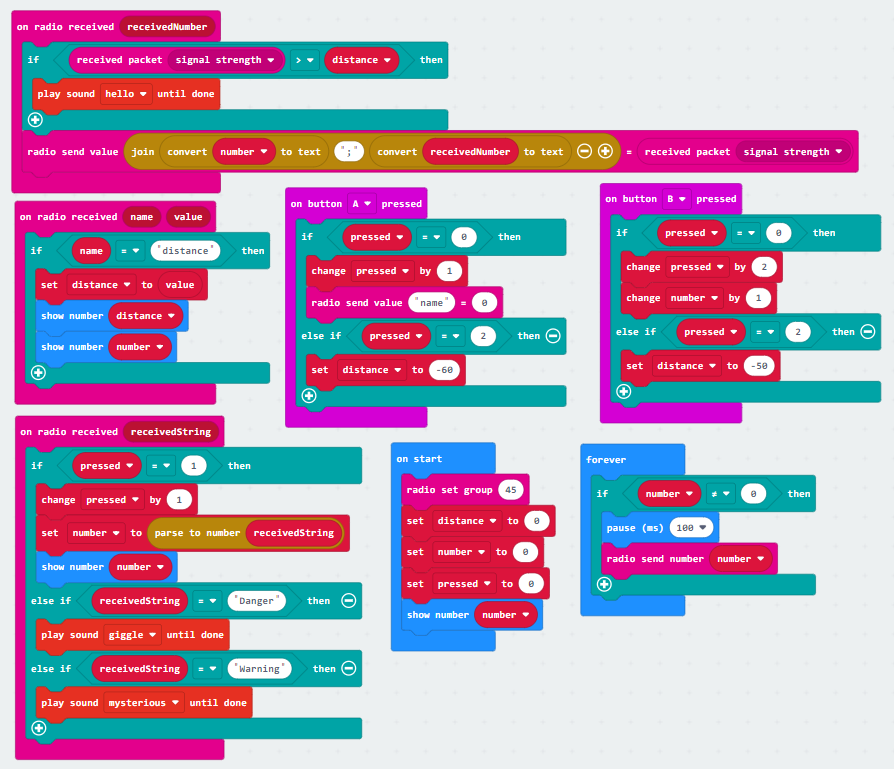
In the Microbit Microcode I implemented a block where
after receiving a message it would check the signal
strength and if it were above -50 it would give off a
warning sound. I used the v2 Microbits and thus did not
need to wire up any speakers which would have made the
Microbits bulkier and harder to carry around.
To help with the testing of this new function, instead
of sending a message using the A and B buttons, I made
it so that they would each emit a message continuously,
to simulate a more real-life scenario. The Microbits
also did not display anything as I found that that would
make the Microbit slow down because it queued up the
messages for display. This was also successful with the
third Microbit being involved.
Stage 2
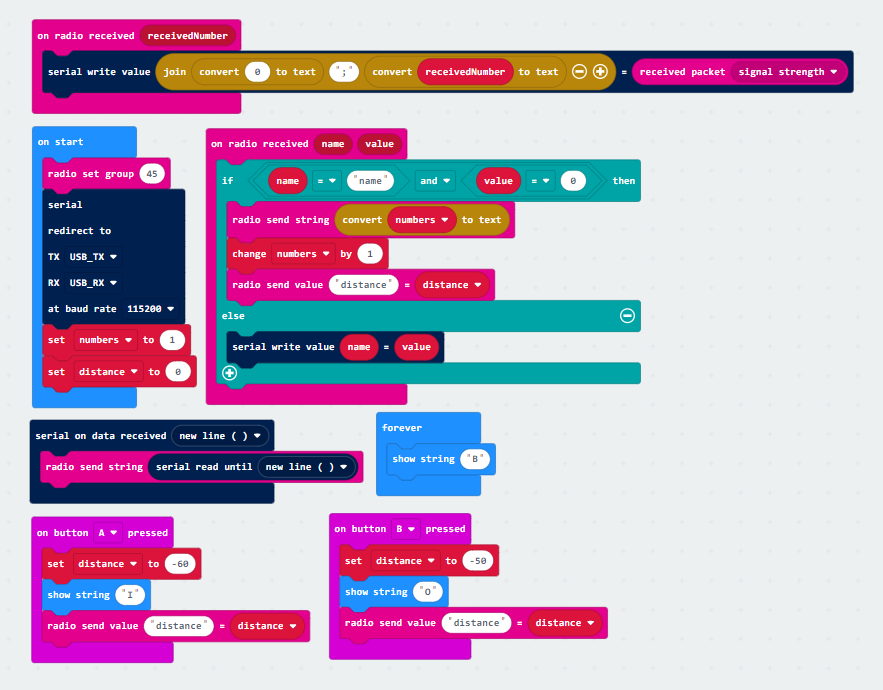
Stage 2 of my project was to implement a server Microbit
which would act as an information gathering point. It
would be able to gather the distances between the
Microbits and send that data over to the computer to a
Python script. I decomposed this into two parts: connect
Microbit to the PC using a serial connection and send
data and collect the data from the client Microbits.
First step was that I set up a Microbit connected to the
computer using the USB port of both. The Microbit
Microcode then was instructed to send the X and Y
rotation of the Microbit over the serial. The Python
code was set up so that when it received any data from
the COM port it would just print it.
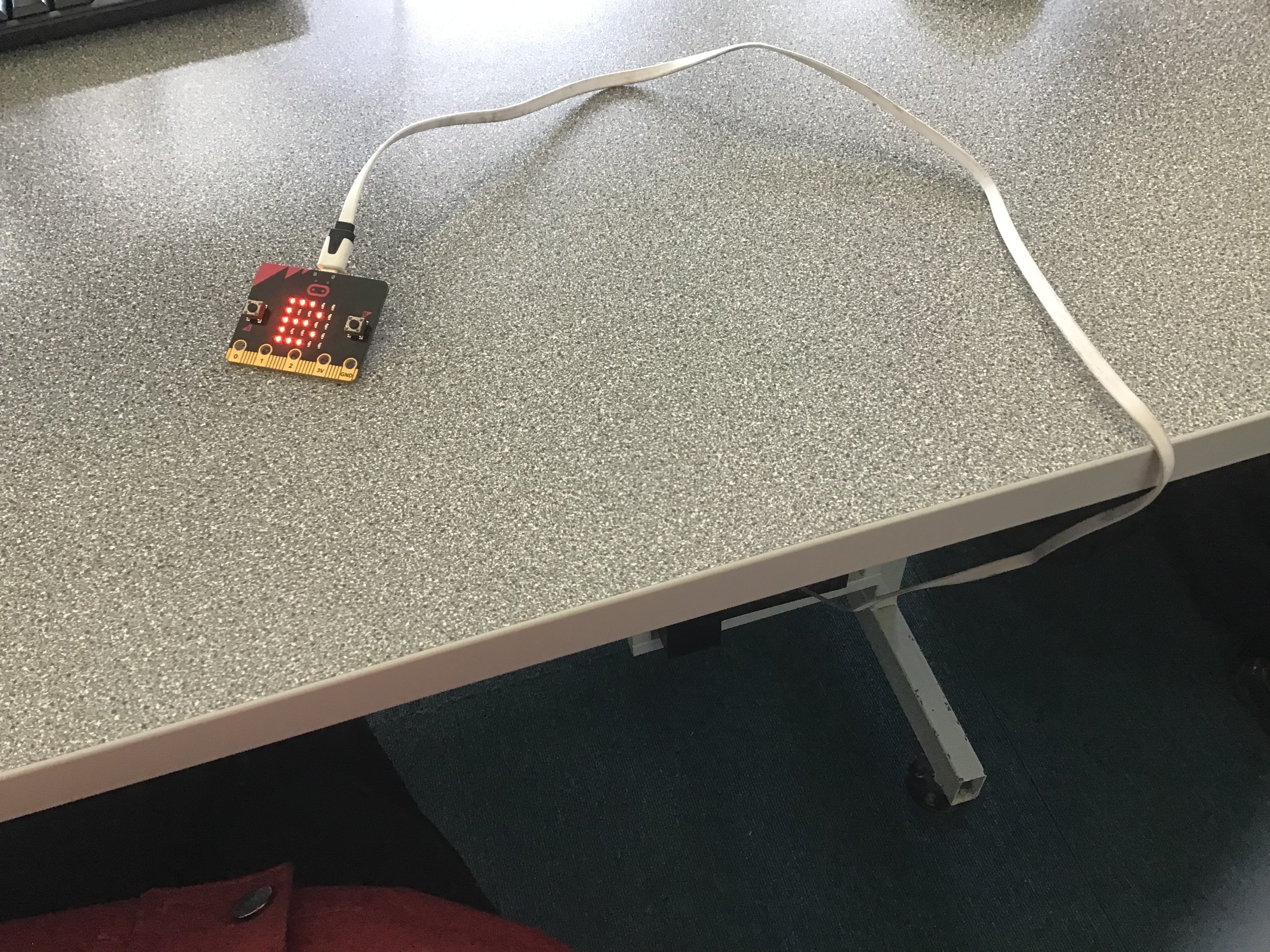
Once I ran it to test it, I saw that the data printed
had a lot of ‘junk’ data that needed to be cleaned. So
next step was to clean this data. I removed the extra
information and was left with just two numbers being
displayed the X and Y rotation.
Next step was to collect the data being sent around by
the Microbits. I coded the Microbit to catch the data
and to just send that data over instead of the rotation
in the format ‘MicrobitNumber1 : MicrobitNumber2 ;
DistanceBetweenMicrobits’. That then got cleaned and
printed the data out.
Stage 3
Stage 3 was to be able to upload the collected data to
the Google Firebase using the Python script, that was
collected from the Microbits.
First step was to be able to upload at all to the
Firebase. I created a database and wrote a test script
to upload the input that the user put in. The inputs
were then displayed live in the database.
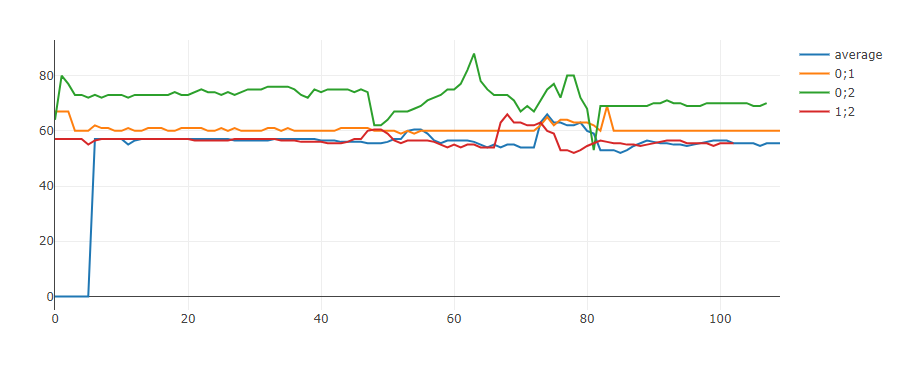
Second step was to organise the data for upload. Because
the Microbit only sends over one piece of data, one
distance, I made a dictionary and once all elements of
the dictionary have been updated at least once the
script uploads the data to Firebase and clears the
dictionary. This way the distances of all Microbits can
be uploaded at the same time and is organised in the
Firebase database as well.
Development of the Artefact
File Structure:
My Microbit Microcode is stored in the Microbit folder,
where I have both the server (called beacon), and client
(called sender) code. The files present in the folder
are the latest working ones, and the previous iterations
of the code can be found in their respective folders.
The Python script used to accept the data from the
server Microbit and used to upload the data to a Google
Firebase, is stored in the Python folder. As with the
Microcode, previous iterations of the script can be
found in its folder.
User Interface Design:
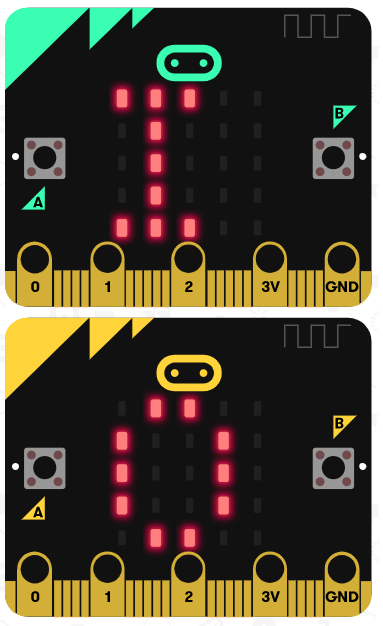
The system was designed in a way that needs minimal
interaction from the user, only needing to select
either indoor or outdoor mode on the server
Microbit. The clients also have two different
operating modes.
First operating mode requires the client Microbits
to connect to the server to start working. In this
mode the data about the distance between Microbits
is transferred to a computer and stored there.
When clients connect to the base station, they are
each given an identification number, and if the
server gets disconnected from the client, the server
frees up the number.
After connecting the clients then communicate with
each other and if the distance between them gets too
small they play a warning sound indicating to the
users that they are not within safe distance.
The second operating mode does not use a server
Microbit, and thus the collection of data is not
possible. The Microbits used this way still play a
warning sound when they are too close to each other.
This is useful when there is no computer to connect
to, so the Microbits are still able to used
“offline”.
Finally in the Python script the user has the option
to set custom distances for the different warning
levels, for the safe, warning and danger levels. The
appropriate level is calculated from the data from
the Microbits.
Testing:
I did numerous tests as I iteratively worked on my
artefact. Each section of the code written both in
Python and in the Microbit Microcode was tested straight
away after writing it. Once I got a successful test, I
saved my code as outlined above.
As my artefact was largely based on using the radio in
the Microbits and its strength to determine the
distance, that was the feature that I tested first. I
connected the two Microbits on the same radio group,
coded them to send a message and set it so that when the
signal was above -50 (Microbits close together) they
played a warning sound. I could then adjust this number
to determine the safe distances for COVID.
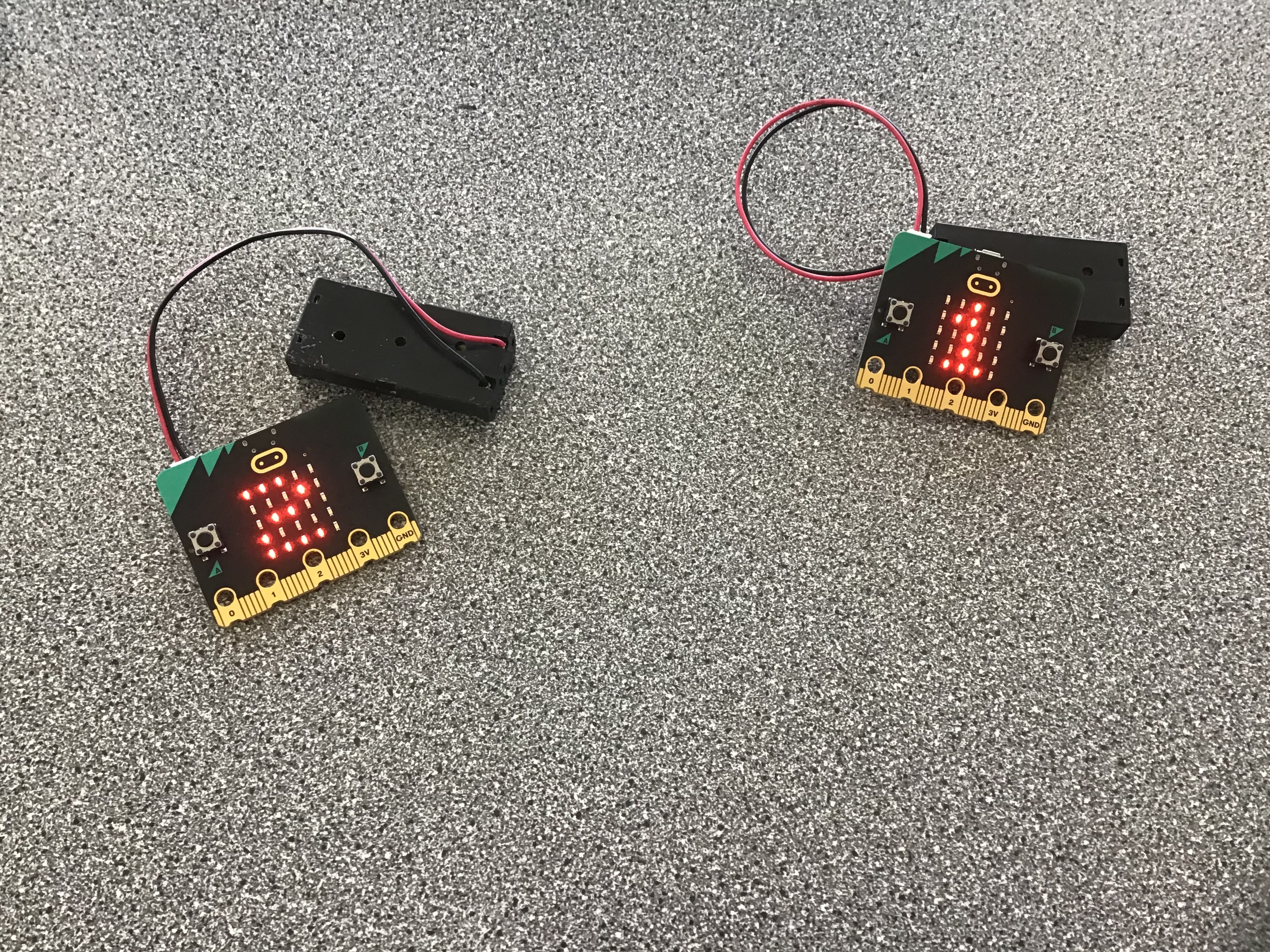
Next to store this data I needed to test out how to send
a message over USB serial so the computer could accept
it. I wrote a Python script to do just that, it accepted
the message and printed it out so I could see that the
message got sent correctly.
Then the server Microbit was coded so it received the
messages the other Microbits sent about their distances,
and then sent this data over to the computer. The Python
script printed it out as previously with the test
message. Now I had individual distances between two
Microbits coming in one by one.
To combat this, the distances that the Microbit server
got was sent over to the PC were added to a dictionary.
Both the distances received, and the dictionary were
printed out to see that the script added the value of
the data into the correct key.
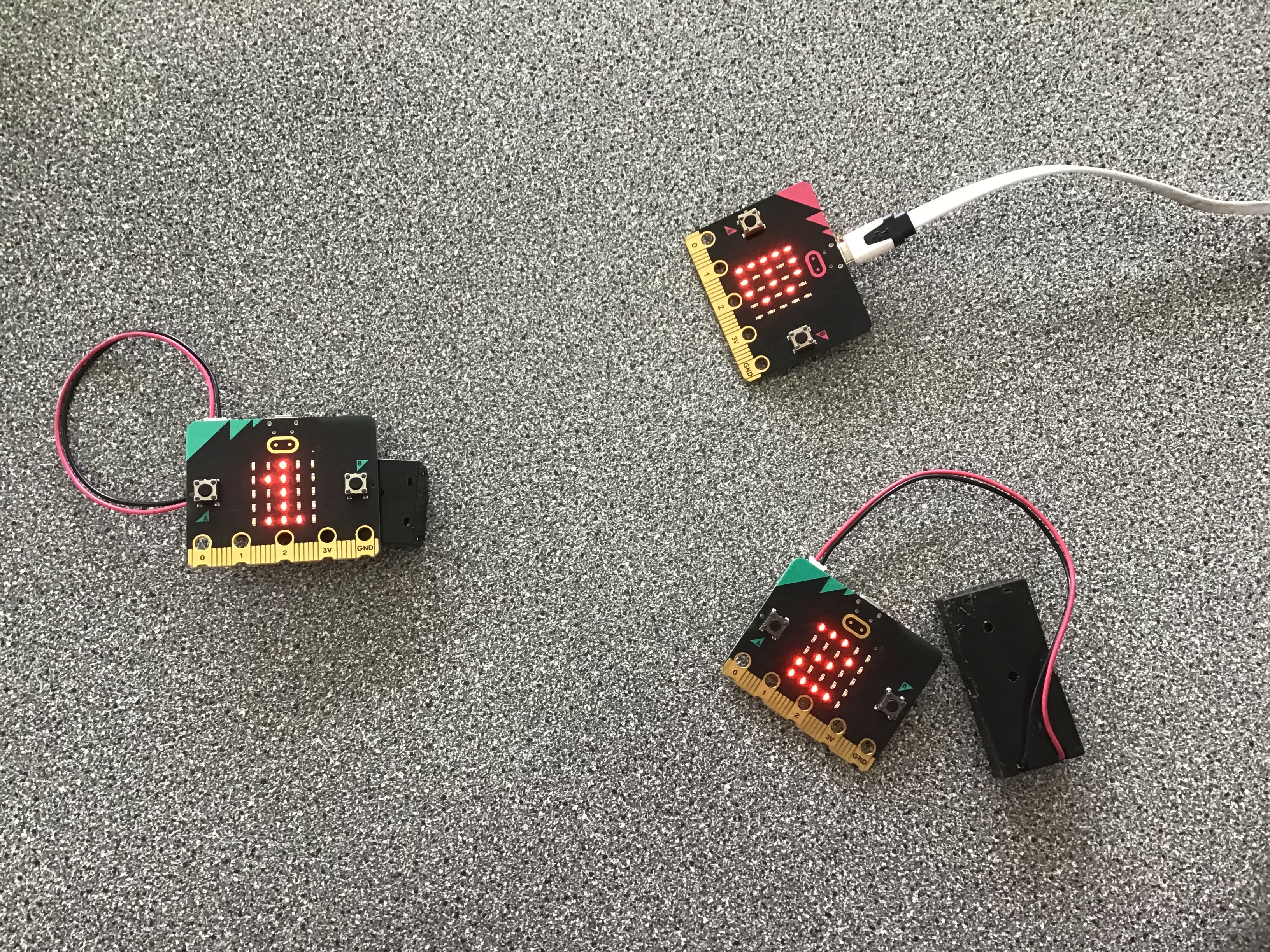
Next, I changed the print statement to only print when
all of the values in the dictionary had been updated.
After the print I set the values to 0 in the dictionary.
This allowed me to only print/interact with the
dictionary data once all of the Microbit had replied at
least once.
First, I uploaded a test dictionary to Firebase to check
in what format the data will be saved as. Gladly it kept
the format of the dictionary. The dictionary that I made
form the distance data then allowed me to upload the
data in chunks which made it easier to store it, instead
of a long list of distances. I uploaded the distance
data to Firebase so that my website would be able to
generate a live graph from the data that the Microbits
send to each other.
Finally, I also made a live map of the Microbits, in
Python, in relation to the server Microbit, to which the
coordinates were stored in a list, which was also
uploaded to Firebase to make a second graph showing the
Microbits in JavaScript.